 +
+
Can the product clip you made for TikTok go on an Amazon listing? Maybe, but do not upload it just because it looks good on a phone. Start with the exact ASIN and the one question a shopper should be able to answer after watching. Then check the current Amazon video path, the file, the product shown, and every claim. Keep footage that helps a buyer judge the item; reshoot parts that depend on a social hook, an unclear product, or a promise you cannot support. A good social clip is raw material, not an approved listing asset.
Use a four-part asset check: correct product and ASIN, useful demonstration, acceptable claims, and current upload requirements. If any part fails, revise or reshoot before submission. An upload attempt does not prove that a video is compliant or useful to a buyer.
Amazon product video requirements cover upload rules, but the buyer's question still sets the creative job. On a social feed, a video may earn attention by delaying the reveal, leaning on a trend, or putting the creator's reaction first. A shopper on a product detail page has already moved closer to a decision. They need to see what the item is, what comes with it, and how it performs the task named by the listing. The same footage can serve both settings, but the edit often cannot. An Amazon video should reduce a specific purchase doubt, not ask the shopper to wait for the payoff.
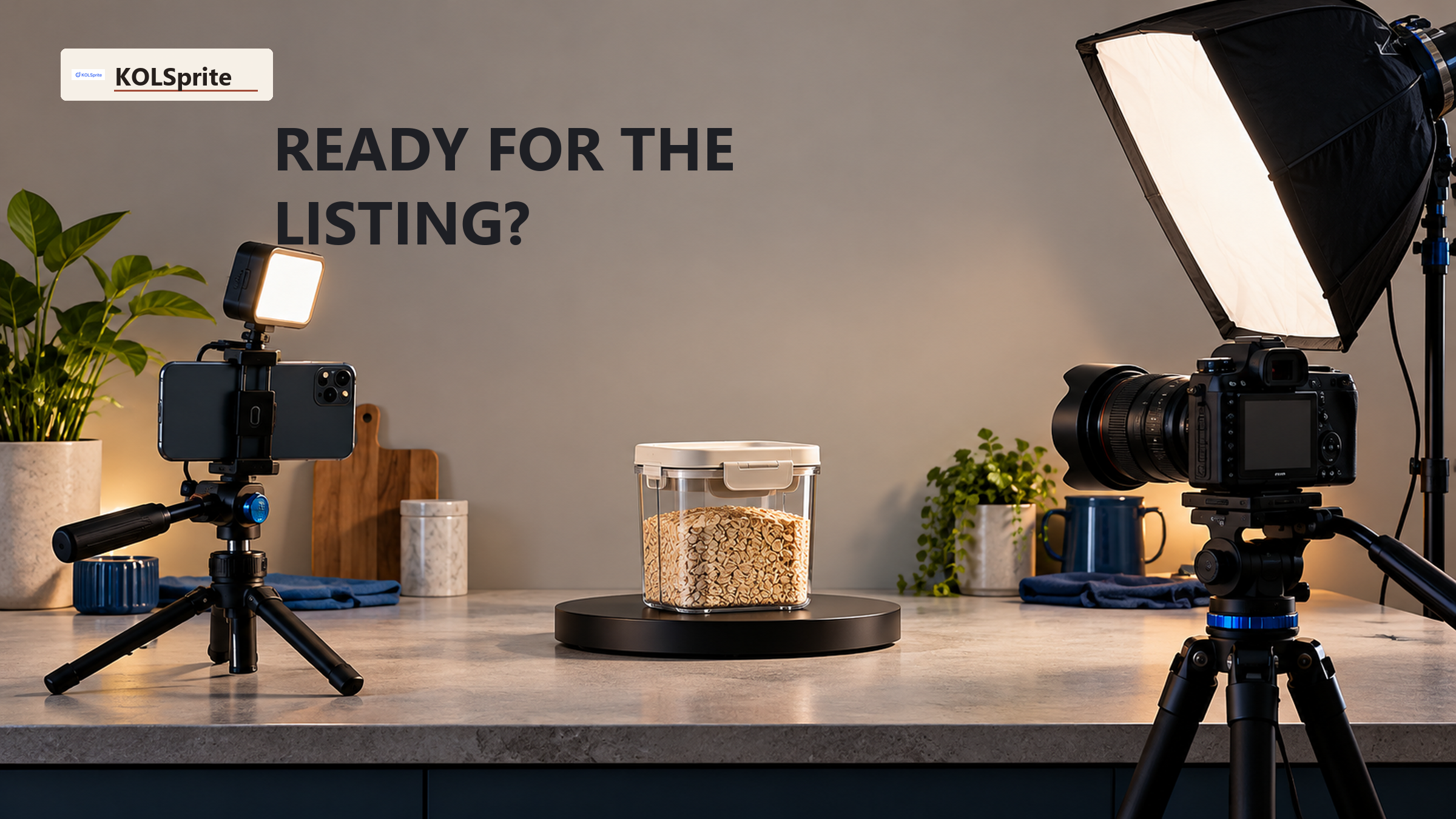
Write the buyer question beside the ASIN before opening your editing timeline. For a countertop storage item, that might be, "What fits inside, and how does it open in a small space?" The answer calls for an unobstructed view of the product, a familiar object for scale, and a shot of normal use. A fast montage of reactions may contain one usable opening shot, but it cannot replace the demonstration. For a wearable item, the question may be movement or size. For a tool, it may be assembly or the result of one ordinary use. Let the actual product determine the shots.
Confirm that the clip shows the item attached to the ASIN you plan to use. Similar colors, older packaging, and a neighboring model can be easy to miss in a social edit. A shopper comparing variants may notice the difference at once. If the footage mixes versions, do not ask a caption to repair the ambiguity. Label the correct footage, cut the mismatched shots, or film the listed version. The purpose is to make the video and the offer agree.
| Check | What the social clip may do | What the listing review needs |
|---|---|---|
| Product identity | Move quickly past the item or show a similar variant. | Show the exact product tied to the intended ASIN. |
| Buyer task | Lead with reaction, music, or a delayed reveal. | Answer one real use or fit question in clear footage. |
| Claims | Use a punchy line that goes beyond what is shown. | Check each statement against the product and current content rules. |
| Upload path | Export for a social platform. | Verify Amazon's current media requirements, upload steps, and ASIN association. |
Source: Amazon's product-video guide, reviewed for this October 2026 asset check. It describes the seller path and the shopper-facing role of video; it does not approve this particular clip.
Check the file before you pay for a new edit. For shoppable videos, Amazon's current US guide lists .mov and .mp4 formats, resolution up to 1080p, a 5 GB file limit, and a length of 1 to 12 minutes. Those are upload rules, not a target length for every buyer story. The same guide says a Professional selling account, live listings, and at least three months of selling history are needed to start uploading. Confirm the live rules and your account's options in Seller Central before export; Amazon may revise either. If your social cut is shorter than the listed minimum, plan a new listing edit rather than stretching it with filler.
Review the raw footage, not only the posted TikTok. The social version may have burned-in captions, platform marks, music, jump cuts, or cropped detail. The raw file may have clean shots that are easy to reuse. If only the published version remains, check whether its text, sound, framing, and rights are suitable for the Amazon asset you intend to submit. Do not assume permission to reuse a creator's work outside the agreed channel. The contract and the platform review are separate checks.
Watch the clip once without sound. Can a shopper identify the product, see its useful features, and follow the action? If the answer depends on a voiceover that promises more than the image shows, the visual proof is weak. Then watch with sound. Note every product statement, on-screen label, and implied comparison. A claim can be implied by editing as well as spoken outright. A cut from an unopened box to a dramatic result may hide the use step the buyer needs to evaluate.
Make a simple shot log. Mark keep for footage of the correct item in clear, normal use. Mark edit when the footage is accurate but buried under a long intro, distracting text, or an angle that can be reframed. Mark reshoot when the shot shows the wrong variant, skips a critical step, relies on an unsupported result, or is too tight to explain the product. A reshoot note should say what the new shot must prove. "Show the lid opening with the container on the counter" is actionable. "Make it more Amazon" is not.
For the next decision, Plan the still images that complement the product clip.
For the storage-item example, the social clip may open with a crowded cabinet, cut to a pleasing after shot, and end with a creator pointing at the product. The usable footage might be the middle two seconds where a hand places an item inside. The missing asset is a steady shot showing the container's dimensions and access in a real cabinet. If the buyer question is capacity, film the included parts and the inside with a familiar object for scale. If the buyer question is access, film the opening motion without hiding it behind cuts. You may have enough proof for a new edit, or you may need a short pickup shoot.
Do not add a sweeping performance line just to give the video a strong ending. If the product has measurable features, confirm the numbers against the exact item and approved listing information. If the claim depends on a test, keep the test conditions clear and check whether the claim is permitted. This is especially important when a social creator used casual language that sounds like a guarantee. The listing video is not safer simply because the words appear in captions rather than spoken audio.
Some clips need a full reshoot. If the product is almost never visible, the wrong version is shown, or the only story is an unverified before-and-after result, a new edit may not solve the buyer's question. Do not let production sunk cost decide. Preserve any truthful detail shots, write the missing proof, and film those shots for the listing. The goal is a useful asset, not maximum reuse of the old one.
Amazon product video requirements also cover where the file goes. In Seller Central, Amazon's guide points to Catalog, then Upload and Manage Videos, or to the video tab in Image Manager. Check the selected ASIN, video type, language, brand association, and thumbnail before you submit. The guide says Amazon reviews the video and that approved videos typically appear within three days; submission alone is not approval. Keep the source file and the reviewed export. If the video shows as published but is missing from the main media block, Amazon says to check how many images the listing has. Use the current status in your own account to decide the next fix.
Before upload, make one person responsible for a final pass against the listing. Have them compare the item in the video with the title, variant, images, and product details. They should check that the video answers the chosen buyer question and that every claim can be supported. Another person can verify the export and current media requirements. This need not be a large review process. It just separates creative quality from compliance and product accuracy, which can fail in different ways.
A public TikTok example can still help you plan the next shoot. After you know the Amazon buyer question, you might inspect how creators show the same product type and notice that an overhead angle makes the mechanism easier to see. KOLSprite can help review such visible product-video examples as filming ideas. It does not upload listing videos, approve Amazon claims, or verify that a file meets Amazon media rules. Treat any angle you borrow as a shot hypothesis, then film original footage that matches your actual product and rights.
The finished asset check should end in one of three decisions. Upload after verification means the correct product, useful answer, supported claims, rights, and current file rules all pass. Edit and recheck means the raw footage contains the proof but the social cut obscures it. Reshoot means the proof or product identity is missing. Write the reason next to the decision, so the editor and seller know exactly what to change.
To plan what sits around the video, use the buyer-use-case video guide for the question the footage must answer and the Amazon versus offsite research guide for the evidence boundary. The video should complement still images, which can hold details a moving clip may pass too quickly. For that separate job, see the two-image product photography guide.
Latest Articles

As an essential, data-driven toolkit for TikTok influencers and marketers, KOLSprite provides powerful features for effortless creator discovery, trending content identification, and actionable real-time insights.
It empowers users to make smarter decisions and significantly boosts their TikTok business.

 Refer & Earn